> ## Documentation Index
> Fetch the complete documentation index at: https://docs.onecourse.io/llms.txt
> Use this file to discover all available pages before exploring further.
# Welcome
Welcome to the OneCourse documentation! Explore our top features below to get started.
 ## Top Features
Generate entire courses with modules, lessons, and content from a single topic.
Lexical-based WYSIWYG editor with formatting, headings, lists, and media.
Auto-generate quizzes from lesson content with AI.
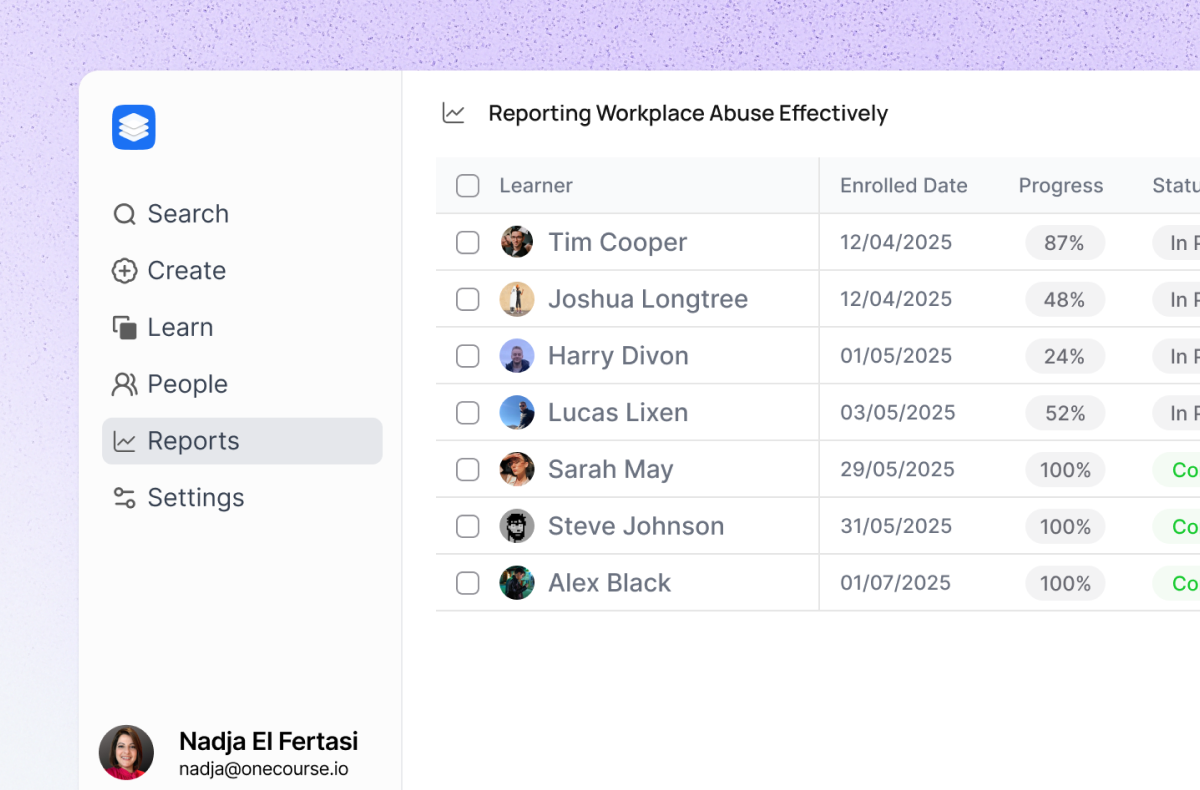
Track completion percentage across courses.
Auto-generated PDF certificates with verification.
Connect OneCourse to thousands of apps through Zapier.
## Top Features
Generate entire courses with modules, lessons, and content from a single topic.
Lexical-based WYSIWYG editor with formatting, headings, lists, and media.
Auto-generate quizzes from lesson content with AI.
Track completion percentage across courses.
Auto-generated PDF certificates with verification.
Connect OneCourse to thousands of apps through Zapier.